Garage-door website example
Garage-door services, clearly presented
A sample layout that brings service categories, areas and project information together on a page that is easy to read on a phone.
See the contact exampleAll service content below is illustrative. KANYU offers website design, not garage-door repairs.
Help visitors find the right service
A real page would describe the work the owner actually offers. These categories show how that information can be organised.
Door installation
Explain the door types the business installs, what a customer should prepare and which details are needed for a quote.
Repairs
List the problems the business is qualified to assess. Clearly describe any limits to the work it accepts.
Openers and controls
Show the equipment the business supports and the information customers can provide before an assessment.
No repair services, qualifications, availability, warranties or prices are represented by this example.
Give each photo useful context
A real project photograph should make the work easier to understand. This example shows the details that can sit beside it.
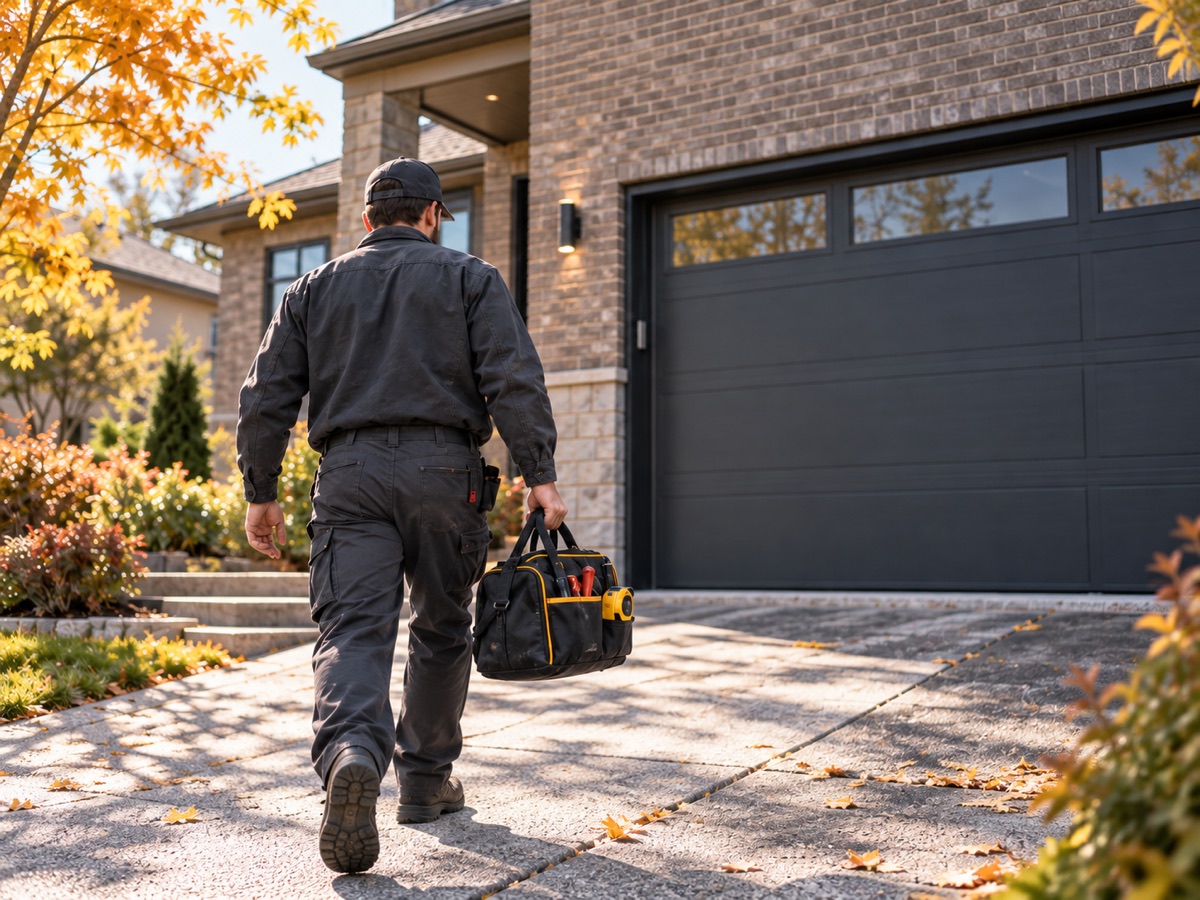
Your live website can use your own job photos, with permission to publish them. The AI illustration above demonstrates the layout only.
The work completed
A short, owner-confirmed description of the task and equipment.
The service area
A general area approved for publication, without exposing a customer's address.
The detail worth showing
An installation detail or result that the real photograph supports.
Make coverage easy to check
A clear list helps visitors check whether their location is covered before they enquire.
- Toronto
- Markham
- Richmond Hill
These are example locations, not a claim of repair coverage. A real business would confirm its service areas and any travel charges before publication.
One clear next step
A finished business website can direct customers to one agreed contact method, with its purpose clearly stated.
You are viewing a website demonstration. This page does not take garage-door repair enquiries, and there is no form submission here.
How real contact details are added
The business owner approves the contact method and public details before launch. A phone link, email or agreed enquiry form can then replace this demonstration section.
The finished link is checked on mobile and desktop. No placeholder number or invented business contact is used.
Opens KANYU's website-design enquiry form. Send a website brief, not a repair request.